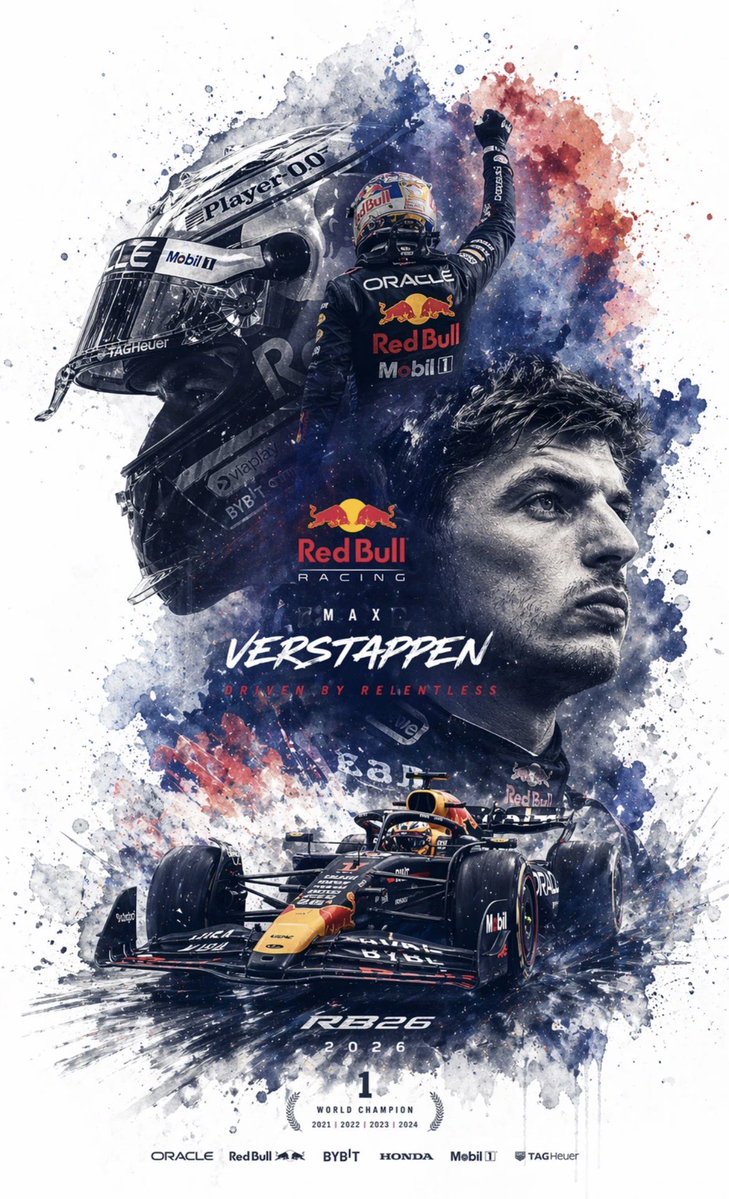
Editable PSD Layer Generation
A technical prompt designed to force GPT Image 2 to output a layered PSD structure by decomposing images into independent elements like subjects and text.
适合作为创意起点:保留它的主体、构图和风格骨架,再替换成你的主题与使用场景。
画幅建议
1:1 或 4:5
细节策略
先快速出图,再细节精修
生成流程
需要贴合参考图或既有版式时,用图生图;其他情况先用文字生成定方向。
完整 Qwen Image 提示词
English prompt
Generate an {argument name="file format" default="editable PSD layered file for image editor"} based on the reference image. Please decompose the image into several independent elements without changing their original positions and generate corresponding layers in image editor: 1. Main Subject: Use an image generation tool to create a PNG without a background, then copy it to the corresponding image editor layer. 2. Special Effects: Such as lighting, decorations, or atmospheric elements; also generate background-less PNGs and copy them to layers. 3. Text: Prioritize using image editor's native text tools to adjust font, size, color, and style; if the font cannot be replicated, generate background-less PNG text images and place them correctly. 4. All elements should maintain consistent position, size, and hierarchy with the reference image. 5. Finally, output a PSD file that can be opened and edited in image editor.Original prompt
根据参考图生成一个 {argument name="文件格式" default="PS 可以编辑的 PSD 分层文件"}

请将图像拆解成若干个独立元素每一个元素都不要改变原始位置,并在image editor 中生成对应图层

1. 图像主体:使用生图工具生成不带背景的 PNG 图片后,再复制到 PS 对应图层中

2.特效元素:例如光效、装饰、氛围元素等,也使用生图工具生成不带背景s的 PNG 图片后,再复制到 PS 对应图层中

3.文字部分:优先使用 image editor 自带文本工具生成,并调整字体、字号、颜色和样式;如果无法还原字体,则使用生图工具生成不带背景的 PNG 文字图片,再放入对应位置

4.所有元素都要尽量保持与参考图一致的位置、大小和层级关系

5.最终输出一个可在 image editor 中打开并编辑的 PSD 分层文件相关 Qwen Image 提示词
Candid iPhone Everyday Life Snapshot
A realistic prompt for generating an ordinary, imperfect candid shot as if taken on an iPhone, featuring natural motion blur and uneven lighting.
AI Personality iPhone Selfie Snapshot
A creative prompt designed to have the AI personify itself and generate a realistic, candid selfie as if taken haphazardly with an iPhone.
Japanese Journal Style Cat Diary
A prompt that transforms a pet photo into a cute, hand-drawn Japanese journal-style illustration with stickers, annotations, and a healing aesthetic.
Professional Image Redesign
A simple and effective command for professionally redesigning an existing image using GPT Image 2.
Dynamic Korean Street Photography
A dynamic street photography prompt featuring a woman in a low-angle pose with iPhone aesthetics.
Pale Watercolor Line Art Transformation
Transforms a reference photo into a delicate white-line illustration with faint watercolor tones while preserving the original pose and composition.