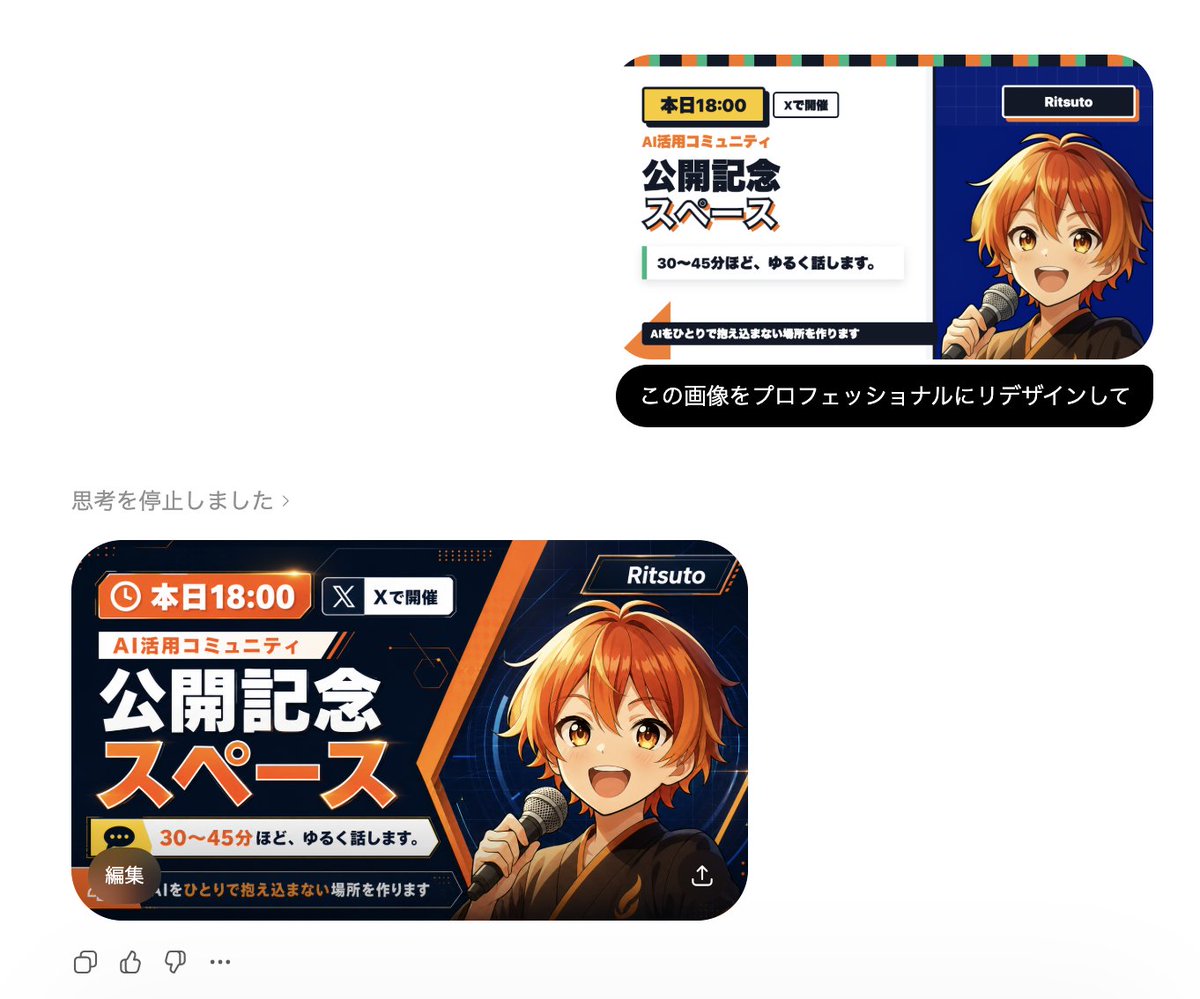
Professional Image Redesign
A simple and effective command for professionally redesigning an existing image using GPT Image 2.
适合作为创意起点:保留它的主体、构图和风格骨架,再替换成你的主题与使用场景。
画幅建议
1:1 或 4:5
细节策略
先快速出图,再细节精修
生成流程
先用文字生成定主画面,再一次只改一个重点细节。
完整 Qwen Image 提示词
English prompt
{argument name="instruction" default="Redesign this image professionally"}Original prompt
{argument name="指示" default="この画像をプロフェッショナルにリデザインして"}相关 Qwen Image 提示词
Candid iPhone Everyday Life Snapshot
A realistic prompt for generating an ordinary, imperfect candid shot as if taken on an iPhone, featuring natural motion blur and uneven lighting.
AI Personality iPhone Selfie Snapshot
A creative prompt designed to have the AI personify itself and generate a realistic, candid selfie as if taken haphazardly with an iPhone.
Japanese Journal Style Cat Diary
A prompt that transforms a pet photo into a cute, hand-drawn Japanese journal-style illustration with stickers, annotations, and a healing aesthetic.
Dynamic Korean Street Photography
A dynamic street photography prompt featuring a woman in a low-angle pose with iPhone aesthetics.
Pale Watercolor Line Art Transformation
Transforms a reference photo into a delicate white-line illustration with faint watercolor tones while preserving the original pose and composition.
Childlike Crayon Drawing Re-creation
A prompt to transform an existing image into a simplified crayon drawing, as if created by a young child with playful elements.