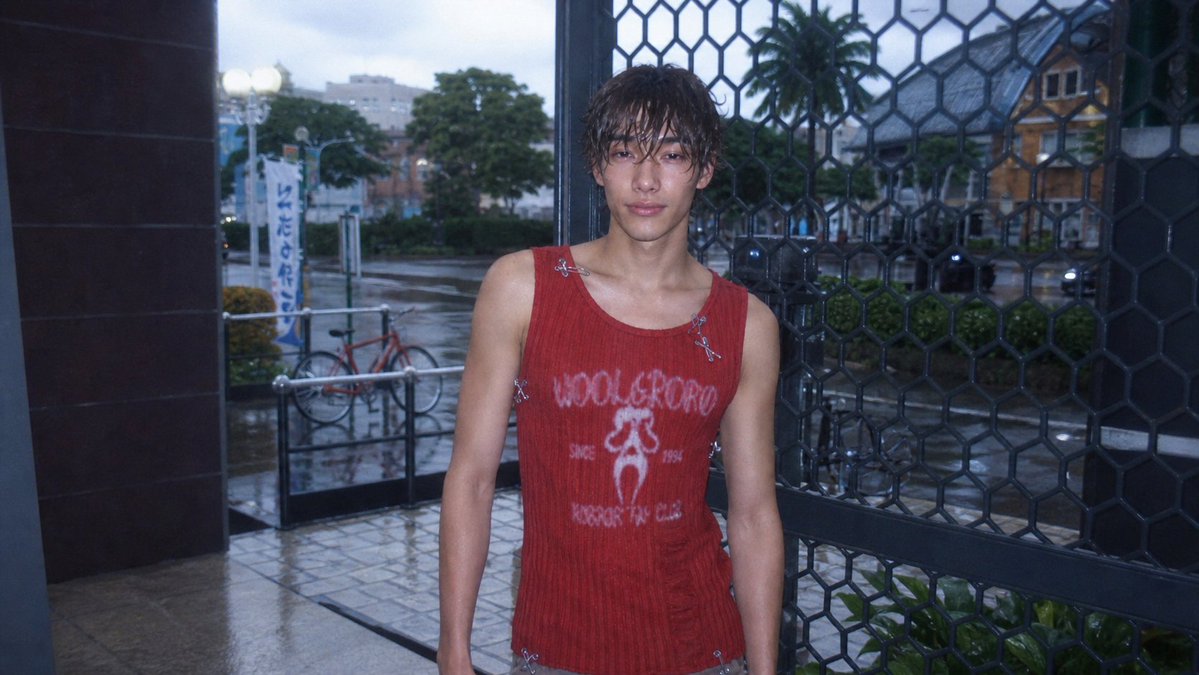
Sims Screenshot to CCD Photo
Transforms a Sims 4 screenshot into a realistic early-2000s CCD compact camera snapshot while preserving the original composition.
웹, 앱, 대시보드 화면 시안에 적합합니다. 구조를 유지하고 내 서비스 문구와 브랜드 요소로 바꾸면 됩니다.
추천 비율
16:9 또는 4:3
품질 전략
먼저 가볍게 생성하고 좋은 안을 고해상도로 다듬기
생성 흐름
참고 이미지나 기존 레이아웃에 맞춰야 할 때는 이미지-이미지를 사용하고, 그 외에는 텍스트 생성으로 방향을 잡으세요.
전체 Qwen Image 프롬프트
English prompt
Using REFERENCE_0 as the base image, transform the Sims 4 screenshot into a realistic {argument name="photo style" default="early-2000s CCD compact digital camera photo"}. Keep the same character, outfit, pose, framing, storefront entrance, metal grid, bicycle, street, and overall composition, but make it look like a real candid photo rather than a game render. Add a cool blue dusk tone, harsh built-in flash on the subject, wet rainy pavement with subtle reflections, softened background depth, slight underexposure, visible digital noise, mild chromatic aberration, lens softness, vignette, and low-resolution CCD texture. Preserve the face anonymization as a soft square blur. Maintain a natural 16:9 snapshot crop with imperfect casual framing.관련 Qwen Image 프롬프트
VR Headset Exploded View Poster
Generates a high-tech exploded view diagram of a VR headset with detailed component callouts and promotional text.
Illustrated City Food Map
Generates a hand-drawn, watercolor-style tourist map featuring numbered local food specialties, landmarks, and a legend.
E-commerce Live Stream UI Mockup
Generates a realistic social media live stream interface overlaying a portrait, featuring customizable chat messages, gift popups, and a product purchase card.
Knight-Mage Battles Stone Golem
A cinematic fantasy battle scene for generating epic game-style artwork of an armored heroine fighting a giant stone golem in a ruined cathedral.
Censored Elven Adventurers in Medieval Village
Generates a cinematic fantasy scene of two detailed elven adventurers walking through a medieval village with castle backdrop and obscured faces.
Faceless Cyberpunk Infiltrator
Generates a cinematic anime scene of an armed faceless woman infiltrating a high-security futuristic server room.