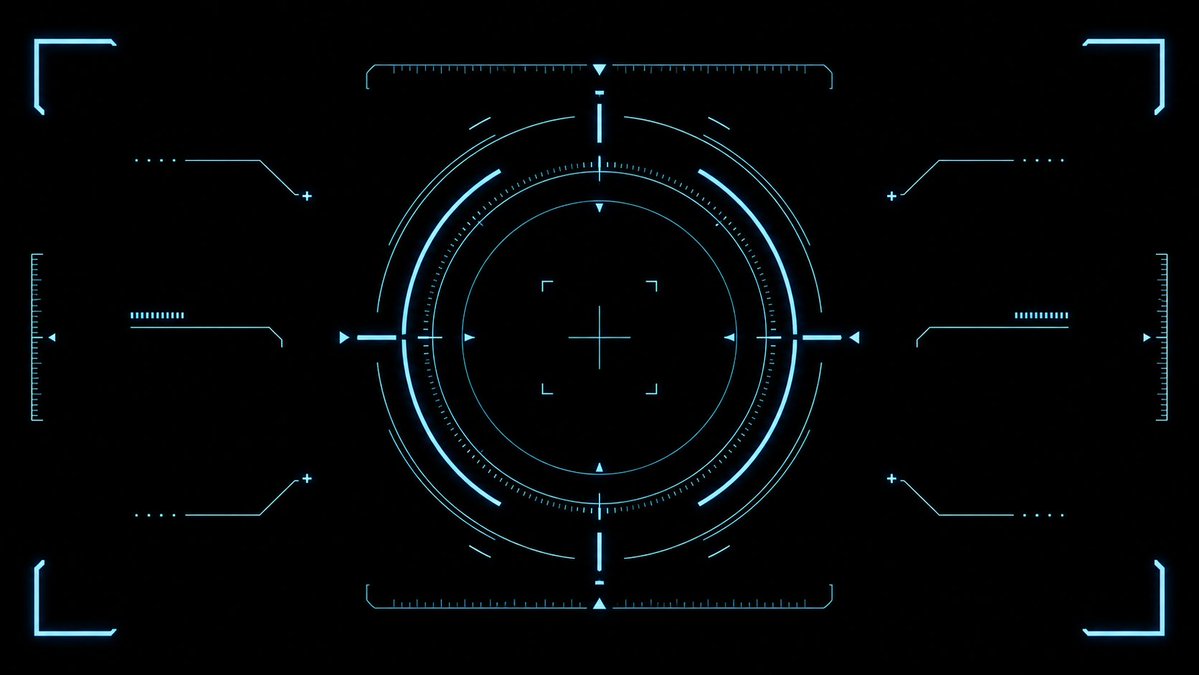
Cyan Sci-Fi HUD Reticle Overlay
Generates a clean futuristic cyan targeting HUD effect asset for game UI, video overlays, and sci-fi interface designs.
웹, 앱, 대시보드 화면 시안에 적합합니다. 구조를 유지하고 내 서비스 문구와 브랜드 요소로 바꾸면 됩니다.
추천 비율
16:9 또는 4:3
품질 전략
먼저 가볍게 생성하고 좋은 안을 고해상도로 다듬기
생성 흐름
먼저 텍스트로 핵심 이미지를 만들고, 한 번에 중요한 요소 하나만 수정하세요.
전체 Qwen Image 프롬프트
English prompt
{"type":"futuristic sci-fi HUD interface effect asset","format":"wide 16:9 transparent-style graphic on pure black background","style":"minimal high-tech vector UI, clean cyan neon glow, thin luminous strokes, symmetrical targeting overlay, game interface / cockpit scanner aesthetic, no text, no logos, no humans","color_palette":{"primary":"{argument name=\"glow color\" default=\"electric cyan blue\"}","background":"{argument name=\"background color\" default=\"deep black\"}","line_weight":"ultra-thin technical lines with soft bloom"},"composition":{"overall":"perfectly centered, horizontally symmetrical heads-up display reticle with large circular target in the middle and decorative interface brackets around the edges","canvas":"{argument name=\"aspect ratio\" default=\"16:9 widescreen\"}","central_elements":{"count":10,"items":["1 large outer circular ring made from segmented arcs","1 bright inner circular ring","1 dotted micro-tick circular scale surrounding the inner ring","1 thin innermost circle","1 central crosshair with horizontal and vertical lines","4 small corner focus brackets around the crosshair","4 cardinal triangular pointers at top, bottom, left, and right of the circle","4 short bright radial bars at the cardinal directions","multiple fine calibration ticks along the circle","small broken outer orbit arcs for motion-graphic detail"]},"side_elements":{"count":6,"items":["3 left-side connector-line HUD widgets: top, middle, bottom","3 right-side connector-line HUD widgets: top, middle, bottom"],"details":"each side widget uses angled circuit-like lines, small dots, plus signs, and short ruler bars, mirrored left to right"},"edge_elements":{"count":8,"items":["4 glowing corner frame brackets, one in each corner","2 vertical ruler scales at the far left and far right edges","2 horizontal ruler scales centered near the top and bottom of the main circle","small triangular side markers near the left and right edges"]}},"lighting":"soft neon bloom around every line, crisp dark negative space, high contrast","rendering":"2D vector effect material, sharp clean geometry, anti-aliased, suitable as a transparent overlay or VFX asset","negative_prompt":"no words, no numbers, no icons with meaning, no cluttered background, no gradients except glow, no realistic objects, no characters"}관련 Qwen Image 프롬프트
VR Headset Exploded View Poster
Generates a high-tech exploded view diagram of a VR headset with detailed component callouts and promotional text.
Illustrated City Food Map
Generates a hand-drawn, watercolor-style tourist map featuring numbered local food specialties, landmarks, and a legend.
E-commerce Live Stream UI Mockup
Generates a realistic social media live stream interface overlaying a portrait, featuring customizable chat messages, gift popups, and a product purchase card.
Knight-Mage Battles Stone Golem
A cinematic fantasy battle scene for generating epic game-style artwork of an armored heroine fighting a giant stone golem in a ruined cathedral.
Censored Elven Adventurers in Medieval Village
Generates a cinematic fantasy scene of two detailed elven adventurers walking through a medieval village with castle backdrop and obscured faces.
Faceless Cyberpunk Infiltrator
Generates a cinematic anime scene of an armed faceless woman infiltrating a high-security futuristic server room.