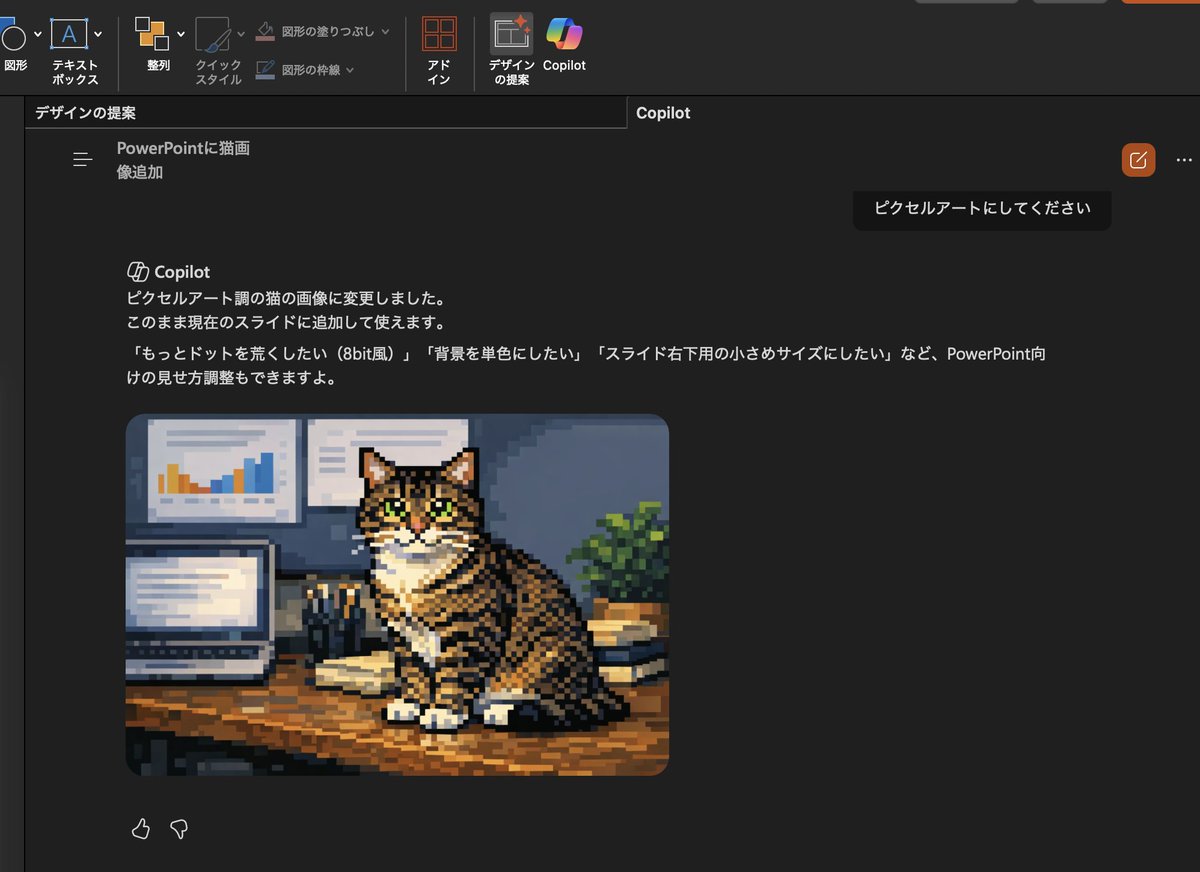
Convert Copilot cat image to pixel art
This prompt turns the generated cat photo inside a PowerPoint Copilot screenshot into pixel art and updates the Japanese UI text to match the new edit request.
适合做图解、清单、路线图和知识长图:先锁定信息层级,再把文字量控制在模型能稳定处理的范围里。
画幅建议
16:9 或 4:3
细节策略
先快速出图,再细节精修
生成流程
需要贴合参考图或既有版式时,用图生图;其他情况先用文字生成定方向。
完整 Qwen Image 提示词
English prompt
Using the provided reference image, transform only the inserted cat photo into retro pixel art while keeping the overall PowerPoint dark-mode Copilot screenshot layout, interface, and composition unchanged. Preserve the same tabby cat, pose, desk setting, laptop, wall charts, books, and plant, but redraw that image as chunky low-resolution game-style pixel art with visible square pixels, simplified shading, and an 8-bit feel. Also update the visible Japanese Copilot request and response text so the request says 「ピクセルアートにしてください」 and the response explains that the cat image was changed to pixel-art style, with follow-up suggestions mentioning 3 options: 「もっとドットを荒くしたい(8bit風)」, 「背景を単色にしたい」, and 「スライド右下用の小さめサイズにしたい」.
相关 Qwen Image 提示词
VR Headset Exploded View Poster
Generates a high-tech exploded view diagram of a VR headset with detailed component callouts and promotional text.
Illustrated City Food Map
Generates a hand-drawn, watercolor-style tourist map featuring numbered local food specialties, landmarks, and a legend.
3D Stone Staircase Evolution Infographic
Transforms a flat evolutionary timeline into a realistic 3D stone staircase infographic with detailed organism renders and structured side panels.
Momotaro Explainer Slide in Hybrid Style
A prompt that combines the simple, warm aesthetic of simple illustration style illustrations with the high-information density characteristic of Japanese government slides.
Faceless Cyberpunk Infiltrator
Generates a cinematic anime scene of an armed faceless woman infiltrating a high-security futuristic server room.
Pancake Angel Cafe Cover
Generates a dreamy watercolor anime cover of a winged cafe angel serving honey pancakes in a sunlit morning cafe.