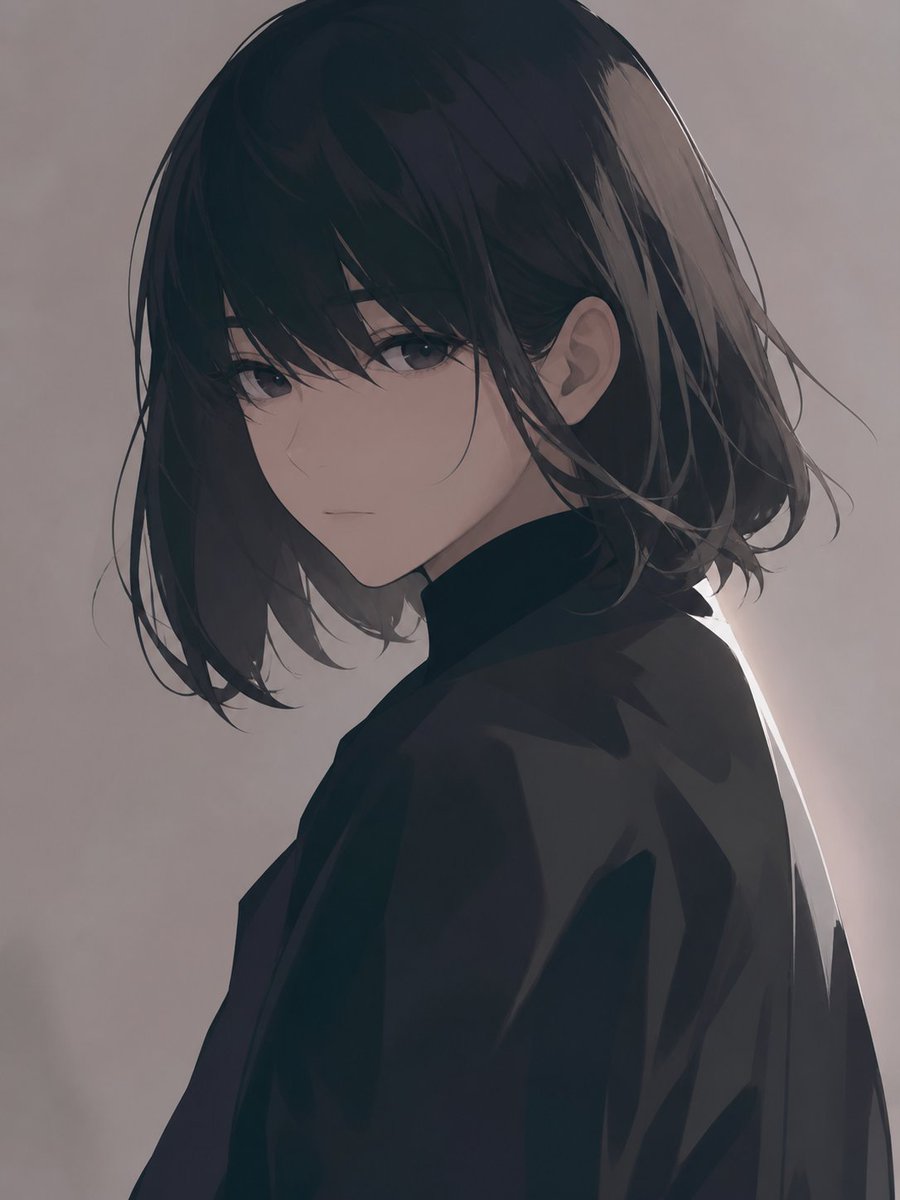
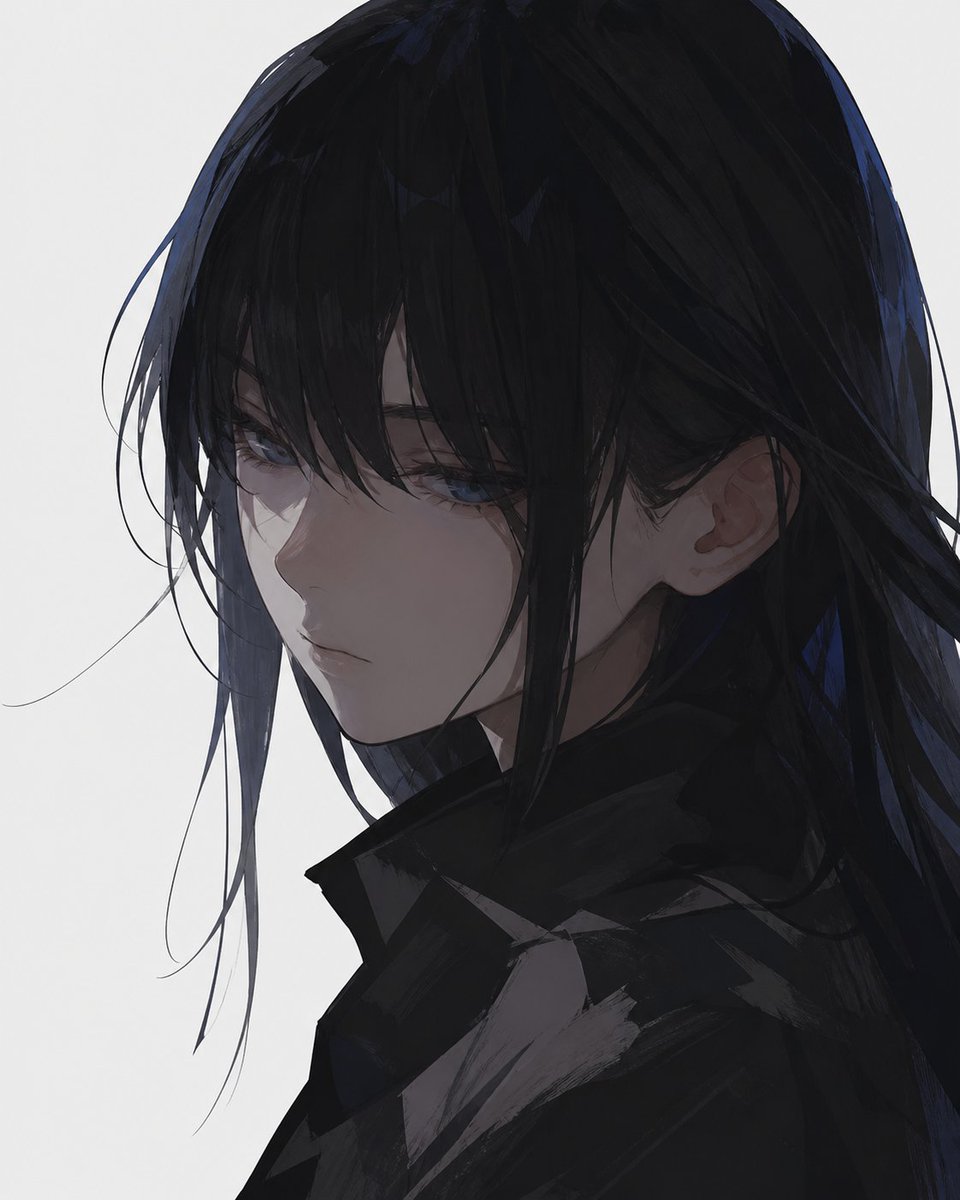
Simple Digital Thick Painting
A prompt focusing on smooth digital painting techniques with a simplified aesthetic and minimal facial details.
This creative prompt is a strong starting point when you need a composed Qwen Image result with a clear subject, visual structure, and reusable style direction.
Aspect ratio
1:1 or 4:5
Quality pass
Standard first, then high detail
Workflow
Start text-to-image, then rerun with one focused edit at a time.
Full Qwen Image prompt
English prompt
Digital lines and coloring, using {argument name="painting style" default="thick painting"}. {argument name="aesthetic" default="Simple and smooth lines and coloring"}. The entire screen should be simple. It must not be cluttered. Use a deformation where the lips do not stand out much. No text.Original prompt
線・塗りはデジタル、{argument name="塗り方" default="厚塗り"}で。{argument name="スタイル" default="シンプルで滑らかな塗り・線"}。画面全体はシンプルに。ごちゃごちゃしてはならない。唇がそこまで目立たないデフォルメで。文字無しで。Related Qwen Image prompts
Candid iPhone Everyday Life Snapshot
A realistic prompt for generating an ordinary, imperfect candid shot as if taken on an iPhone, featuring natural motion blur and uneven lighting.
AI Personality iPhone Selfie Snapshot
A creative prompt designed to have the AI personify itself and generate a realistic, candid selfie as if taken haphazardly with an iPhone.
Japanese Journal Style Cat Diary
A prompt that transforms a pet photo into a cute, hand-drawn Japanese journal-style illustration with stickers, annotations, and a healing aesthetic.
Professional Image Redesign
A simple and effective command for professionally redesigning an existing image using GPT Image 2.
Dynamic Korean Street Photography
A dynamic street photography prompt featuring a woman in a low-angle pose with iPhone aesthetics.
Pale Watercolor Line Art Transformation
Transforms a reference photo into a delicate white-line illustration with faint watercolor tones while preserving the original pose and composition.