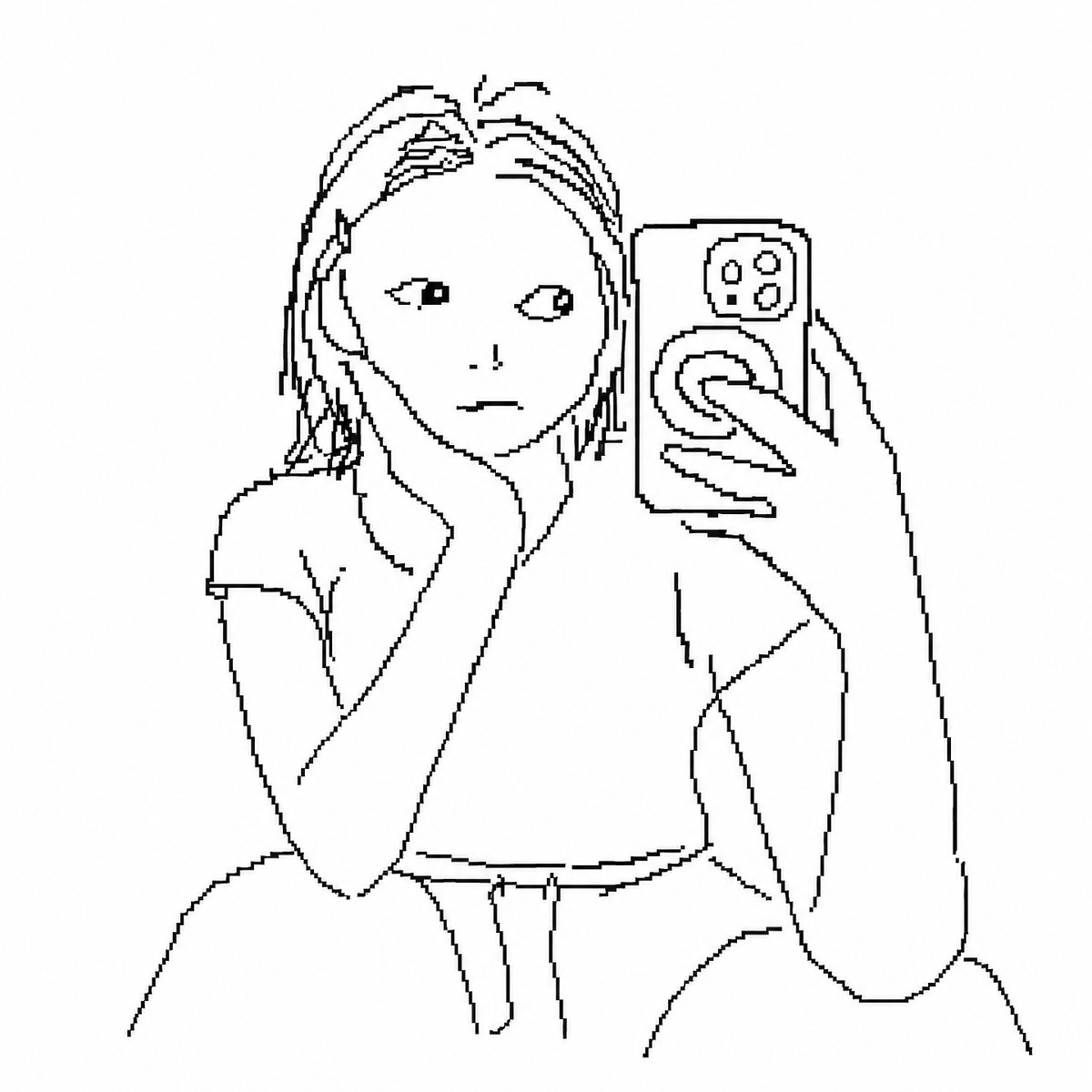
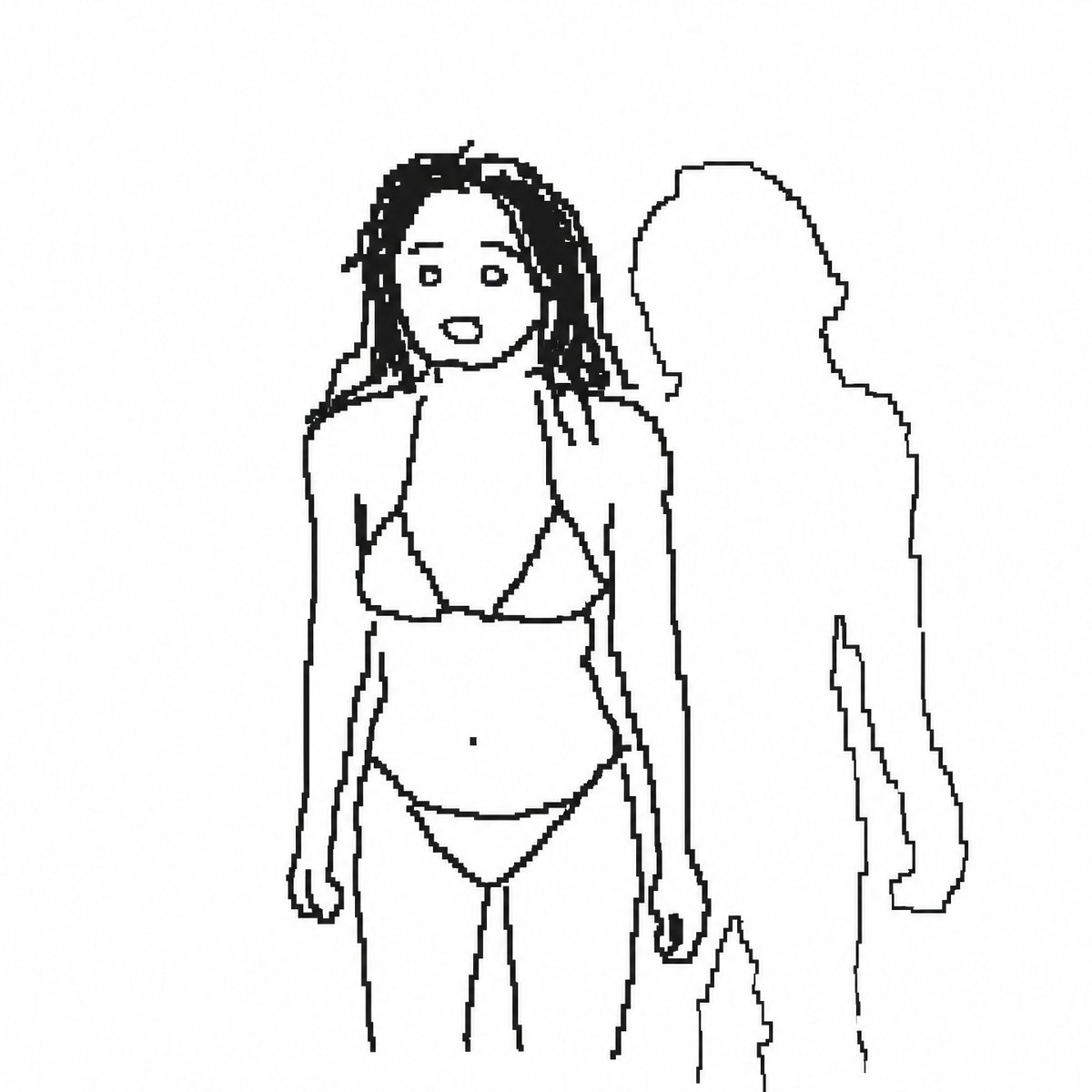
Poorly Drawn MS Paint Filter
Transforms a reference photo into a low-fidelity, mouse-drawn pixel art style reminiscent of MS Paint.
This creative prompt is a strong starting point when you need a composed Qwen Image result with a clear subject, visual structure, and reusable style direction.
Aspect ratio
1:1 or 4:5
Quality pass
Standard first, then high detail
Workflow
Use image-to-image when matching an existing layout or subject matters.
Full Qwen Image prompt
English prompt
Draw the attached image with {argument name="style" default="clumsy, insignificant lines"}. The background is white, and express the insignificance with a pixel-unit drawing that looks like it was drawn with a mouse in {argument name="platform" default="MS Paint"}. Just draw whatever you want.Original prompt
첨부한 이미지를 {argument name="스타일" default="개발새발 세상에서 제일 하찮은 선"}으로 그려줘. 배경은 흰색, {argument name="플랫폼" default="그림판"}에서 마우스로 그린것 같은 맞는듯 아닌듯 비슷한듯 아닌듯 아리까리하게 픽셀단위의 그림으로 하찮음을 제대로 뽐내줘. 야 됐고 그냥 니맘대로 그려.Related Qwen Image prompts
Candid iPhone Everyday Life Snapshot
A realistic prompt for generating an ordinary, imperfect candid shot as if taken on an iPhone, featuring natural motion blur and uneven lighting.
AI Personality iPhone Selfie Snapshot
A creative prompt designed to have the AI personify itself and generate a realistic, candid selfie as if taken haphazardly with an iPhone.
Japanese Journal Style Cat Diary
A prompt that transforms a pet photo into a cute, hand-drawn Japanese journal-style illustration with stickers, annotations, and a healing aesthetic.
Professional Image Redesign
A simple and effective command for professionally redesigning an existing image using GPT Image 2.
Dynamic Korean Street Photography
A dynamic street photography prompt featuring a woman in a low-angle pose with iPhone aesthetics.
Pale Watercolor Line Art Transformation
Transforms a reference photo into a delicate white-line illustration with faint watercolor tones while preserving the original pose and composition.