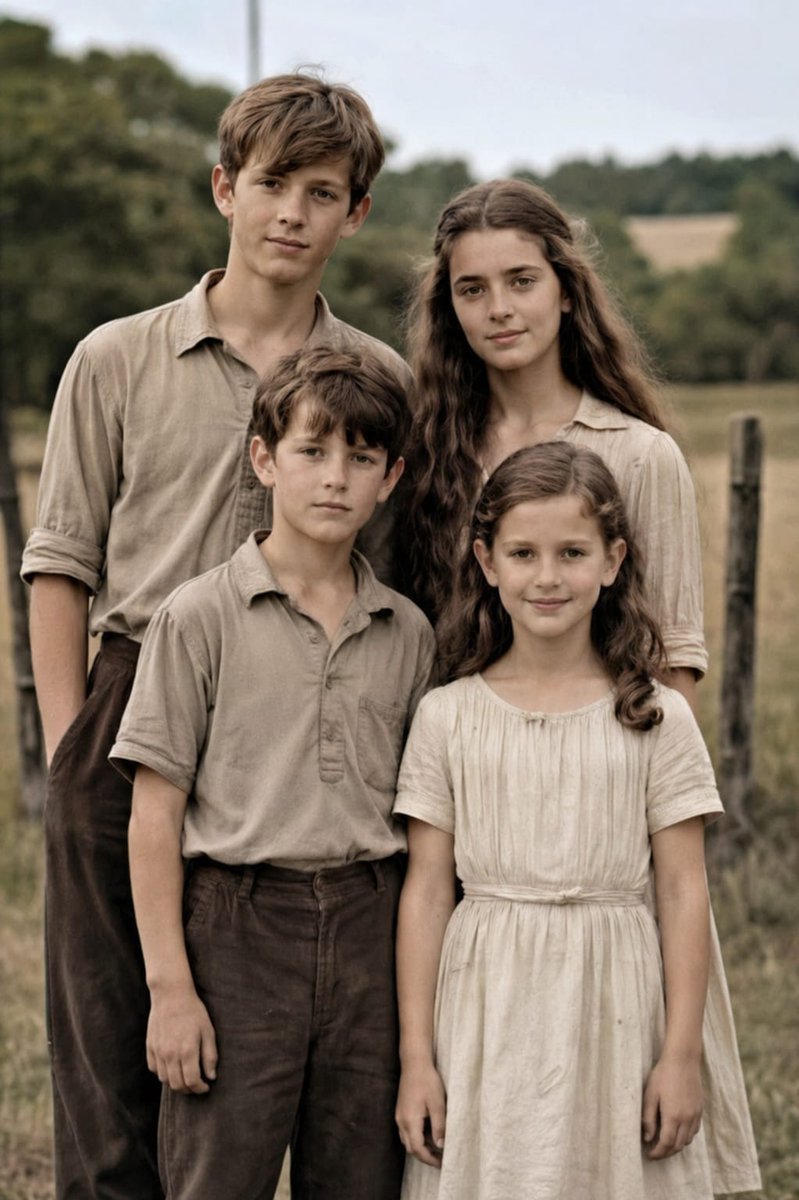
Old Photo Restoration to DSLR Portrait
This prompt restores a damaged vintage 4-person family photo into a clean, colorized, high-resolution realistic portrait for photo repair and enhancement.
This character prompt is a strong starting point when you need a composed Qwen Image result with a clear subject, visual structure, and reusable style direction.
Aspect ratio
4:5 or 3:4
Quality pass
Standard first, then high detail
Workflow
Use image-to-image when matching an existing layout or subject matters.
Full Qwen Image prompt
English prompt
Using the provided reference image, restore the damaged old family photo into a natural-looking modern high-resolution portrait while keeping the same 4 people, pose, framing, clothing, and outdoor rural setting unchanged. Remove all visible age damage including tears, cracks, creases, stains, worn paper edges, scratches, and fading. Convert the black-and-white sepia image into realistic soft color, preserving accurate skin tones and neutral earth-toned clothing. Enhance fine detail, sharpen fabric and hair texture, improve contrast and dynamic range, and upscale it to professional DSLR-quality realism with clean focus and a subtle shallow depth of field, as if photographed on a {argument name="camera model" default="Canon EOS R6 II"}. Keep the result highly realistic, natural, and faithful to the original faces and proportions.Related Qwen Image prompts
Anime Martial Arts Battle Illustration
Generates a dynamic, high-impact anime illustration of two female characters fighting in a traditional dojo with elemental energy effects.
Illustrated City Food Map
Generates a hand-drawn, watercolor-style tourist map featuring numbered local food specialties, landmarks, and a legend.
Momotaro Explainer Slide in Hybrid Style
A prompt that combines the simple, warm aesthetic of simple illustration style illustrations with the high-information density characteristic of Japanese government slides.
E-commerce Live Stream UI Mockup
Generates a realistic social media live stream interface overlaying a portrait, featuring customizable chat messages, gift popups, and a product purchase card.
Censored Elven Adventurers in Medieval Village
Generates a cinematic fantasy scene of two detailed elven adventurers walking through a medieval village with castle backdrop and obscured faces.
Faceless Cyberpunk Infiltrator
Generates a cinematic anime scene of an armed faceless woman infiltrating a high-security futuristic server room.