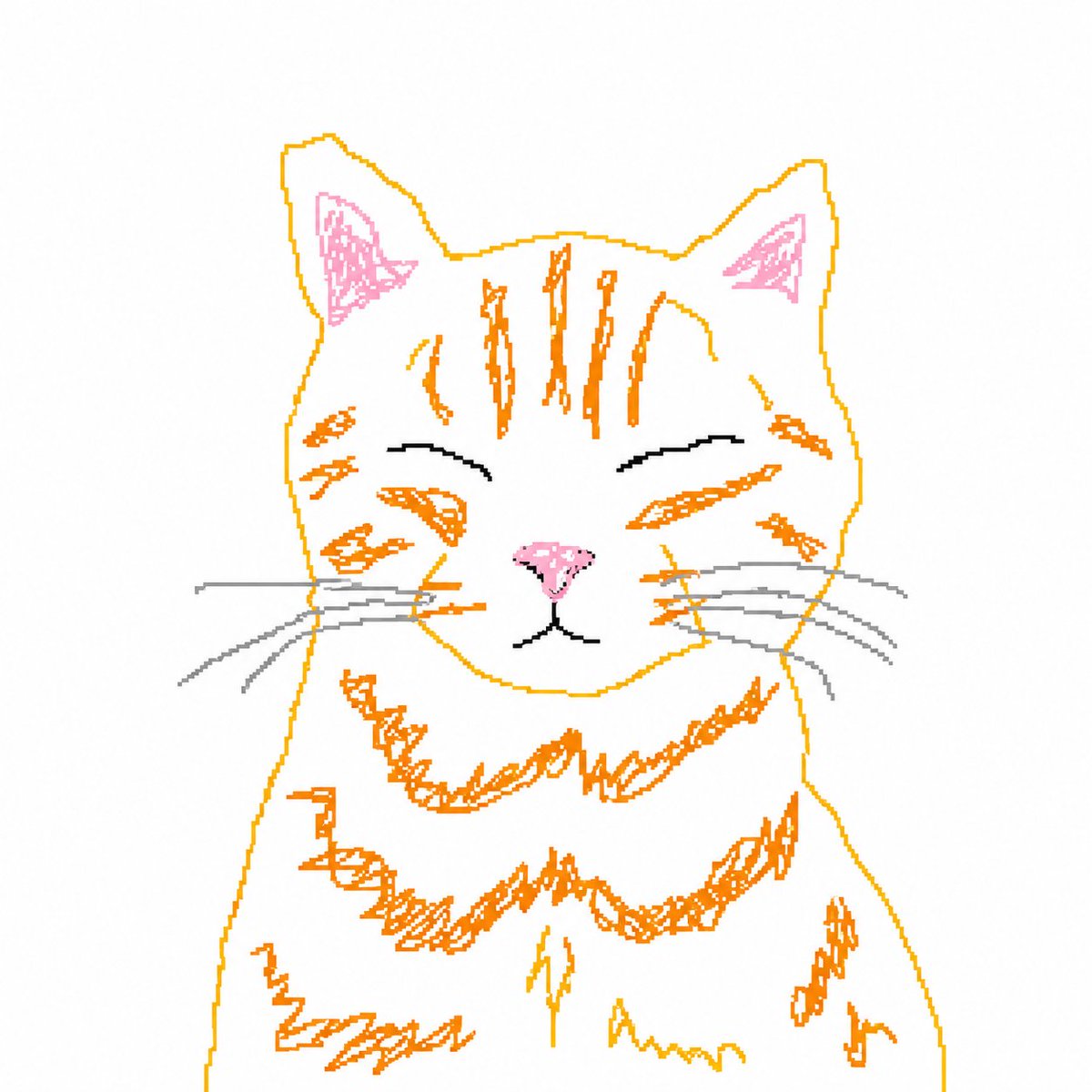
Bad MS Paint Cat Redraw
This prompt turns a reference cat photo into a rough, intentionally low-skill mouse-drawn MS Paint doodle for meme-style edits and playful image transformations.
This product prompt is a strong starting point when you need a composed Qwen Image result with a clear subject, visual structure, and reusable style direction.
Aspect ratio
1:1 or 4:5
Quality pass
Standard first, then high detail
Workflow
Use image-to-image when matching an existing layout or subject matters.
Full Qwen Image prompt
English prompt
Using the provided reference image, redraw the same cat as a deliberately clumsy computer-mouse doodle in a simple MS Paint style. Keep the original centered composition and plain light background, but transform the realistic photo into rough hand-drawn line art with visible wobbly strokes, minimal detail, and an amateur low-effort look. Use thin orange outlines for the head, ears, fur stripes, chest fluff, and body edges; pink scribbled inner ears and nose; black curved closed-eye lines and mouth; and light gray whiskers. Preserve the sleepy closed-eye expression and front-facing pose, but make the drawing look awkward, naive, and slightly messy, like a quick bad sketch traced from the photo.
Related Qwen Image prompts
VR Headset Exploded View Poster
Generates a high-tech exploded view diagram of a VR headset with detailed component callouts and promotional text.
E-commerce Live Stream UI Mockup
Generates a realistic social media live stream interface overlaying a portrait, featuring customizable chat messages, gift popups, and a product purchase card.
Pancake Angel Cafe Cover
Generates a dreamy watercolor anime cover of a winged cafe angel serving honey pancakes in a sunlit morning cafe.
Summer Grape Girl 3x3 Grid Portrait
A comprehensive prompt for creating a 3x3 photo grid of a summer-themed 'Grape Girl' with specific instructions for consistency and style.
Mystical Japanese AI Face Reading Report
Generates an ornate Japanese fortune-telling appraisal sheet with a celestial portrait, moonlit gold layout, and multiple readable report sections.
Miniature City Tiny Worlds
A macro photography prompt creating a realistic miniature city built within human hair, featuring high detail and natural skin textures.