Technical Cross-Section Diagram
A highly detailed blueprint-style prompt for creating technical illustrations and internal mechanism diagrams
도식, 체크리스트, 로드맵, 학습용 긴 이미지에 적합합니다. 정보 구조를 먼저 정하고 이미지 안의 글자는 짧게 유지하세요.
추천 비율
16:9 또는 4:3
품질 전략
고해상도 디테일로 마감
생성 흐름
먼저 텍스트로 핵심 이미지를 만들고, 한 번에 중요한 요소 하나만 수정하세요.
전체 Qwen Image 프롬프트
English prompt
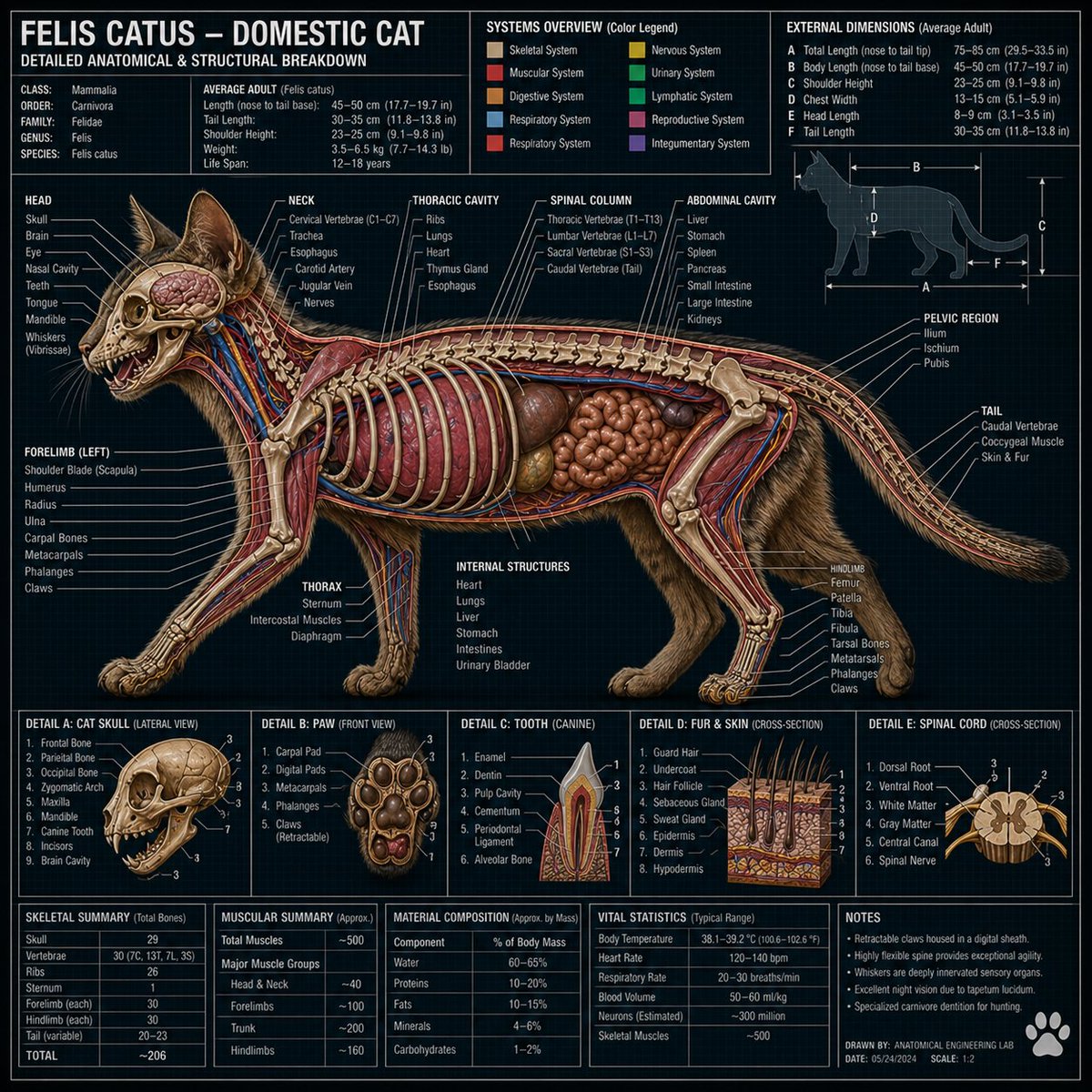
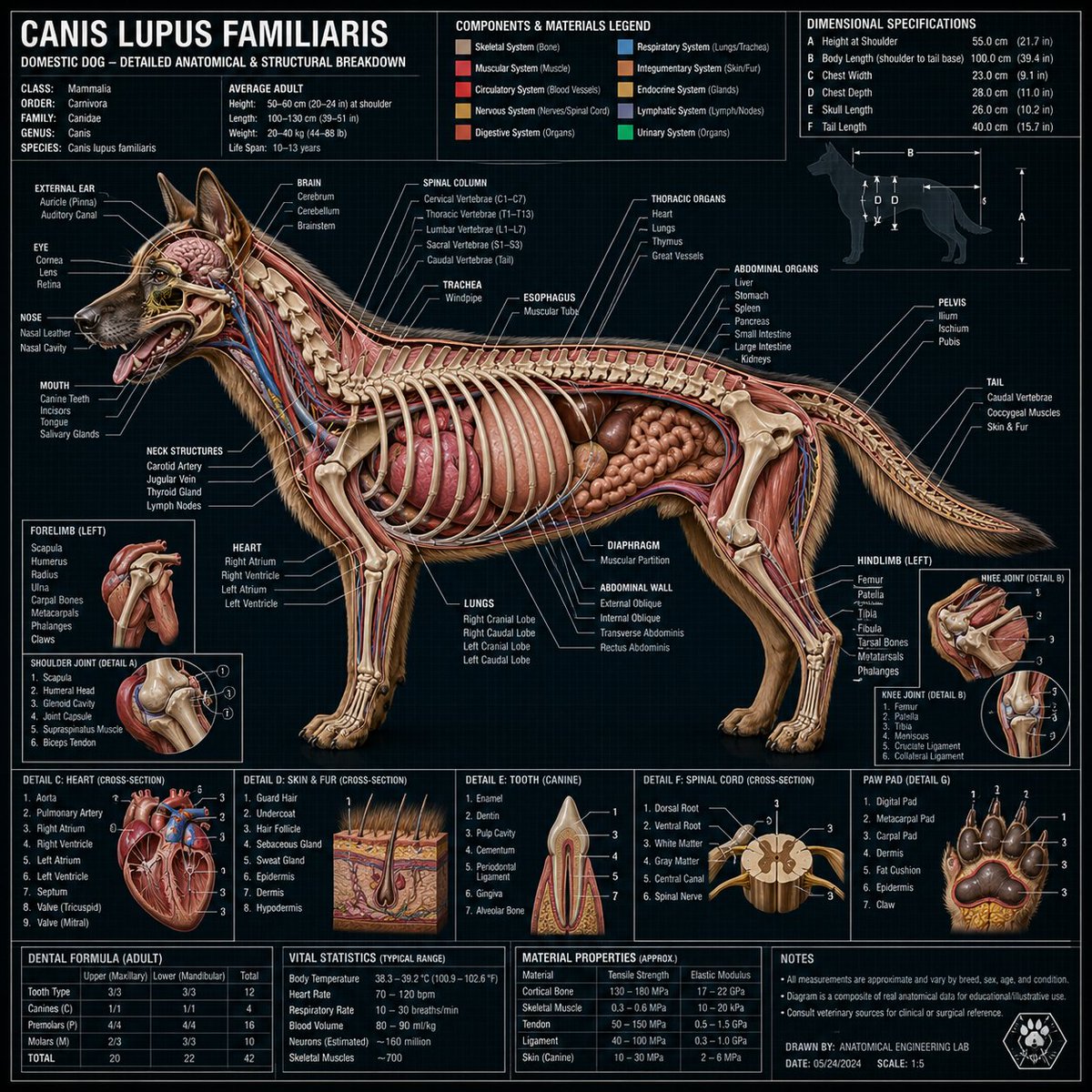
Hyper-detailed technical cross-section diagram of a {argument name="object" default="[type here object]"} rendered in a dark engineering blueprint style. The cutaway view reveals all internal components, layers, and mechanisms with precision. Every part is labeled with clean white annotation lines, callout boxes, and technical measurements. Include a title header at the top, a materials/components legend, dimensional specifications, and small detail insets showing close-up views of key sections. Style: professional technical illustration mixed with photorealistic rendering. Dense, information-rich layout. No empty space. 1:1 dimension.관련 Qwen Image 프롬프트
VR Headset Exploded View Poster
Generates a high-tech exploded view diagram of a VR headset with detailed component callouts and promotional text.
Illustrated City Food Map
Generates a hand-drawn, watercolor-style tourist map featuring numbered local food specialties, landmarks, and a legend.
3D Stone Staircase Evolution Infographic
Transforms a flat evolutionary timeline into a realistic 3D stone staircase infographic with detailed organism renders and structured side panels.
Momotaro Explainer Slide in Hybrid Style
A prompt that combines the simple, warm aesthetic of simple illustration style illustrations with the high-information density characteristic of Japanese government slides.
Faceless Cyberpunk Infiltrator
Generates a cinematic anime scene of an armed faceless woman infiltrating a high-security futuristic server room.
Pancake Angel Cafe Cover
Generates a dreamy watercolor anime cover of a winged cafe angel serving honey pancakes in a sunlit morning cafe.