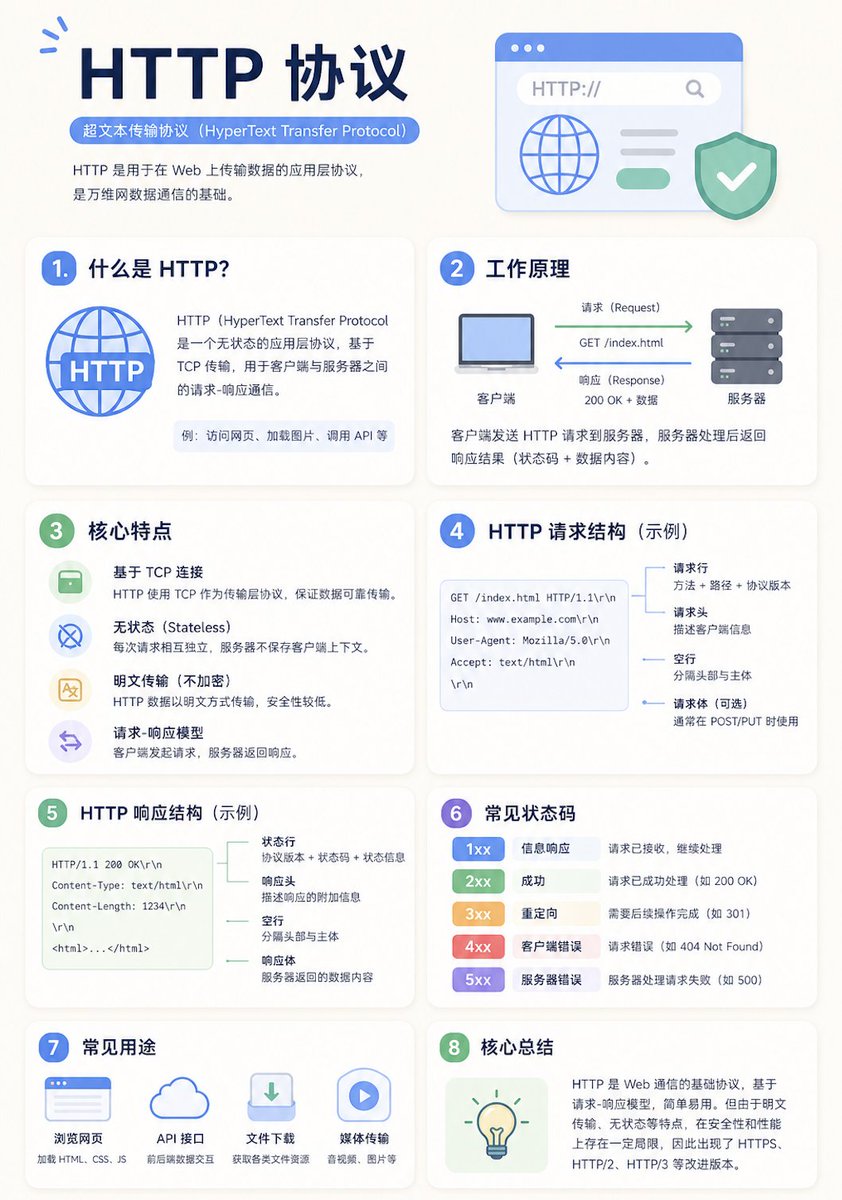
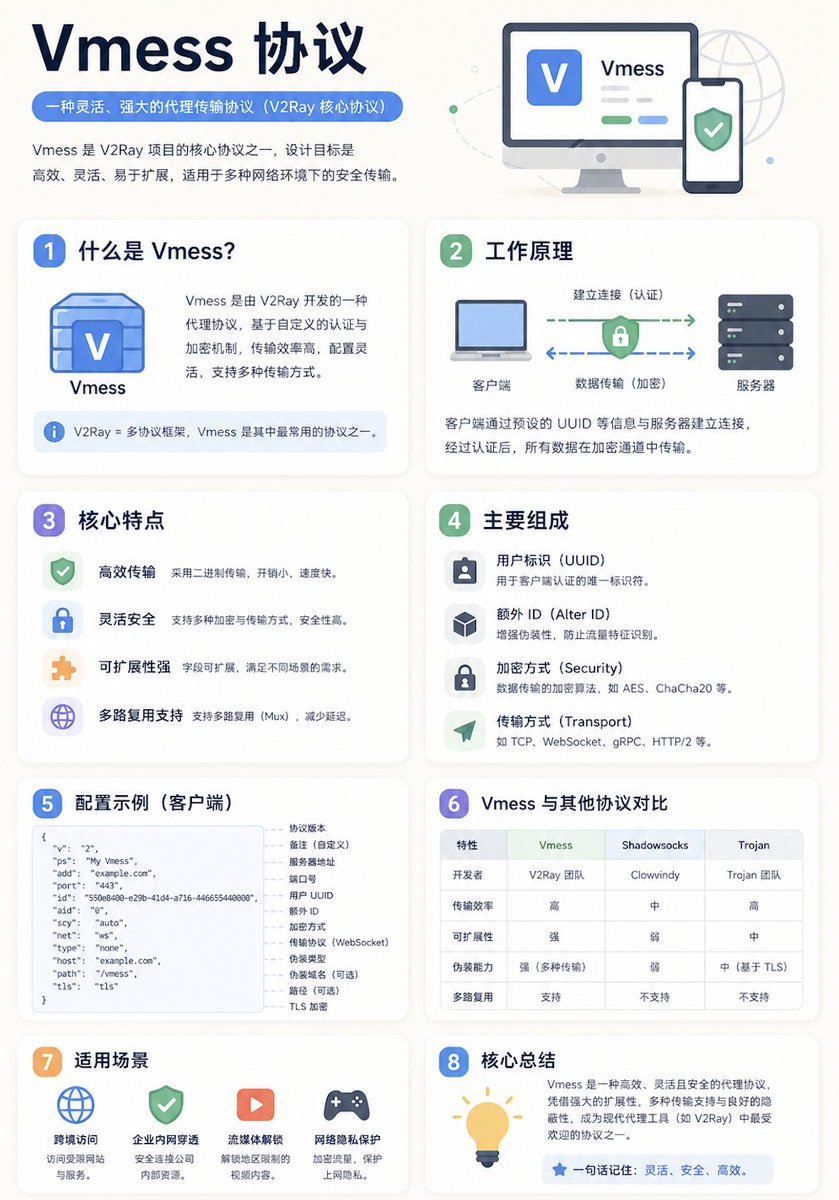
Minimalist Educational Infographic Template
A versatile template prompt for generating modern, clean educational infographic posters with adaptive grid layouts and clear visual hierarchies.
상품 사진, 패키지, 브랜드 광고 초안 제작에 적합합니다. 주체, 재질, 배경, 상업 보정 방향이 잡혀 있어 변수만 바꿔도 빠르게 시도할 수 있습니다.
추천 비율
4:5 또는 3:4
품질 전략
먼저 가볍게 생성하고 좋은 안을 고해상도로 다듬기
생성 흐름
먼저 텍스트로 핵심 이미지를 만들고, 한 번에 중요한 요소 하나만 수정하세요.
전체 Qwen Image 프롬프트
English prompt
A clean educational infographic poster explaining "{argument name="topic" default="Topic"}".

[Overall Style]
Modern minimalist UI style, background in soft light colors (e.g., cream #FAF7F2 / light gray-blue), restrained and comfortable color palette suitable for long reading sessions.

[Core Requirements (Key)]
Naturally organize content modules based on the information structure of the "topic". Do not force a fixed number or order of modules; prioritize clear logical information over formal symmetry.

[Layout (Adaptive)]
- Use grid layout (auto-select 2 columns / 3 columns / irregular distribution)
- Card count adjusts based on content (usually 5–9)
- High information density modules can be enlarged (higher visual weight)
- Simple modules can be shrunk or merged

[Card Design]
- White cards (#FFFFFF)
- Rounded corners + subtle shadows (soft layering)
- Maintain uniform spacing and alignment

[Each Information Module Includes]
- Simple illustrations (unified style)
- Clear headings (strong hierarchy)
- 1–3 core explanatory sentences (avoid wordiness)
- Examples / comparisons / summaries provided where necessary

[Content Organization Principles (Emphasis)]
Auto-select appropriate structure based on theme, e.g.:
- Concept type → definition + principle + characteristics + example
- Contrast type → A vs B (comparative structure)
- Process type → steps / flowcharts
- System type → components + relationships
- Skill type → methods + tips + common mistakes

[Visual Hierarchy]
- Title > Module Title > Main Text > Supporting Information
- Important info can be highlighted with color or icons

[Color Suggestions]
- Primary color: Choose based on theme (Tech=Blue, Learning=Green, Warning=Orange)
- Secondary colors: 1–2 types suffice
- Avoid high saturation and flashiness

[Style Requirements]
- Generous negative space, strong sense of "breathability"
- Unified icons (linear or flat)
- High readability as priority
- Clear educational orientation

[Extra Optimization (Optional)]
- Can include: comparison blocks / process arrows / structure diagrams
- Can have a "Core Summary" module as a visual finale.
Original prompt
一张干净的教育类信息图海报,讲解「{argument name="知识主题" default="知识主题"}」,

【整体风格】
现代极简UI风格,
背景使用柔和浅色(如奶油色 #FAF7F2 / 浅灰蓝),
配色克制、舒适,适合长时间阅读,

【核心要求(关键)】
根据“知识主题”的信息结构,自然组织内容模块,
不要强制固定模块数量或顺序,
优先保证信息逻辑清晰,而不是形式对称,

【布局(自适应)】
- 使用网格布局(自动选择 2列 / 3列 / 不规则分布)
- 卡片数量根据内容自动调整(通常 5–9 个)
- 信息密度高的模块可适当放大(视觉权重更高)
- 简单内容模块可缩小或合并

【卡片设计】
- 白色卡片(#FFFFFF)
- 圆角 + 轻微阴影(柔和层级)
- 保持统一间距和对齐

【每个信息模块包含】
- 简洁插图(统一风格)
- 清晰标题(强层级)
- 1–3句核心说明(避免冗长)
- 必要时提供示例 / 对比 / 小结

【内容组织原则(重点)】
根据主题自动选择合适结构,例如:
- 概念类 → 定义 + 原理 + 特点 + 示例
- 对比类 → A vs B(对照结构)
- 流程类 → 步骤 / 流程图
- 系统类 → 组成部分 + 关系
- 技能类 → 方法 + 技巧 + 常见误区

【视觉层级】
- 标题 > 模块标题 > 正文 > 辅助信息
- 重要信息可用颜色或图标强调

【配色建议】
- 主色:根据主题选择(科技=蓝,学习=绿,警告=橙)
- 辅色:1–2种即可
- 避免高饱和、避免花哨

【风格要求】
- 大量留白,呼吸感强
- 图标统一(线性或扁平)
- 高可读性优先
- 教学导向清晰

【额外优化(可选)】
- 可以加入:对比块 / 流程箭头 / 结构图
- 可以有一个“核心总结”模块作为视觉收尾관련 Qwen Image 프롬프트
VR Headset Exploded View Poster
Generates a high-tech exploded view diagram of a VR headset with detailed component callouts and promotional text.
E-commerce Live Stream UI Mockup
Generates a realistic social media live stream interface overlaying a portrait, featuring customizable chat messages, gift popups, and a product purchase card.
Pancake Angel Cafe Cover
Generates a dreamy watercolor anime cover of a winged cafe angel serving honey pancakes in a sunlit morning cafe.
Summer Grape Girl 3x3 Grid Portrait
A comprehensive prompt for creating a 3x3 photo grid of a summer-themed 'Grape Girl' with specific instructions for consistency and style.
Mystical Japanese AI Face Reading Report
Generates an ornate Japanese fortune-telling appraisal sheet with a celestial portrait, moonlit gold layout, and multiple readable report sections.
Miniature City Tiny Worlds
A macro photography prompt creating a realistic miniature city built within human hair, featuring high detail and natural skin textures.