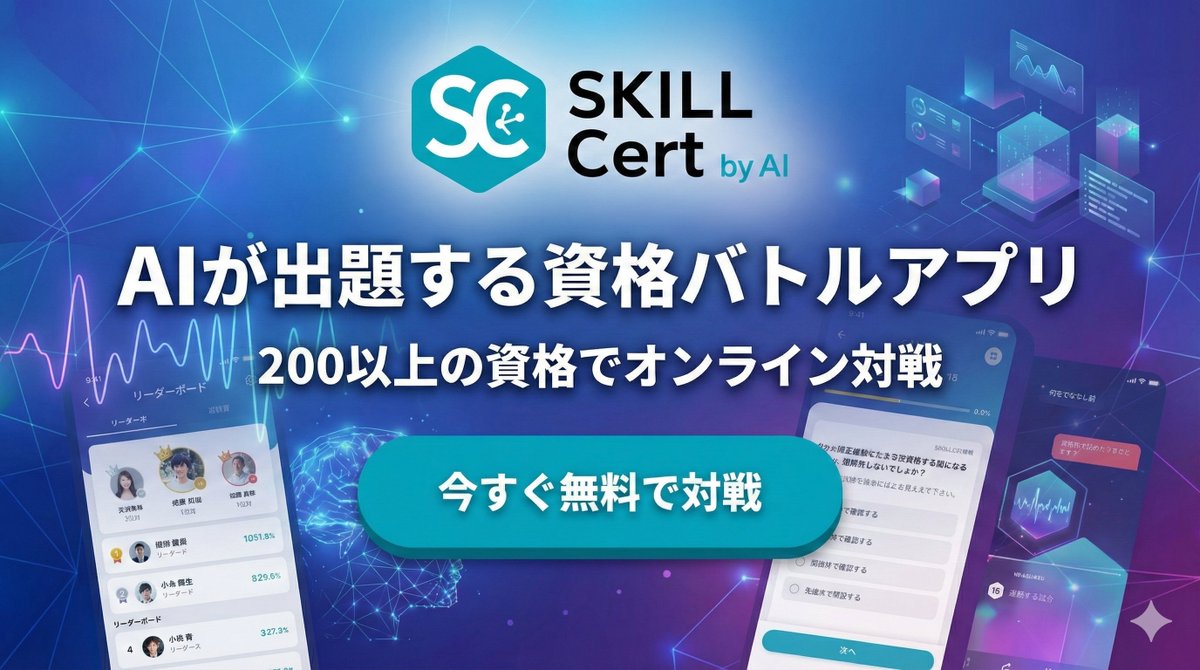
Japanese AI App Promo Banner
A futuristic Japanese marketing banner for an AI-powered certification battle app, suitable for app ads, landing pages, and social media promotions.
상품 사진, 패키지, 브랜드 광고 초안 제작에 적합합니다. 주체, 재질, 배경, 상업 보정 방향이 잡혀 있어 변수만 바꿔도 빠르게 시도할 수 있습니다.
추천 비율
4:5 또는 3:4
품질 전략
먼저 가볍게 생성하고 좋은 안을 고해상도로 다듬기
생성 흐름
먼저 텍스트로 핵심 이미지를 만들고, 한 번에 중요한 요소 하나만 수정하세요.
전체 Qwen Image 프롬프트
English prompt
Create a polished Japanese tech advertising banner for a mobile app, widescreen 16:9, with a futuristic blue-to-purple gradient background filled with glowing network lines, connection nodes, soft lens flares, and subtle digital particles. At the top center, place a modern app logo: a cyan hexagon icon with large white letters “SC” and a small circuit symbol inside the C, followed by the brand text “SKILL Cert by AI” in a clean sans-serif font, with “SKILL” large and black, “Cert” below it in black, and “by AI” smaller in cyan. Center the composition around a bold Japanese headline in very large white text with a dark navy outline and soft drop shadow: {argument name="headline text" default="AIが出題する資格バトルアプリ"}. Directly below, add a second line of medium-large white Japanese text with the same outline and shadow: {argument name="subheadline text" default="200以上の資格でオンライン対戦"}. In the middle foreground, place one large glossy rounded rectangular call-to-action button in bright cyan with subtle gradient, bevel, and shadow, containing bold white Japanese text: {argument name="button text" default="今すぐ無料で対戦"}. Show exactly 3 smartphone mockups arranged around the center: 1 on the lower left, tilted slightly right, showing a leaderboard app screen with a line graph at the top, small profile avatars, ranking rows, and Japanese UI labels; 1 large phone on the lower right, tilted slightly left, showing a multiple-choice quiz screen with Japanese question text and radio-button answers plus a cyan bottom button; 1 smaller phone on the far right edge, angled inward, showing a darker dashboard-style screen with charts and Japanese text. Add exactly 4 floating UI graphic clusters in the background: 1 analytics line-chart panel near the upper left, 1 holographic cube/dashboard cluster near the upper right, 1 glowing wireframe brain or neural sphere near the lower left-center behind the button, and 1 hexagon chart/card element near the right-center. Use a sleek AI, SaaS, and edtech marketing aesthetic, high contrast, crisp typography, layered depth, neon glow accents, and premium app-promo lighting.관련 Qwen Image 프롬프트
VR Headset Exploded View Poster
Generates a high-tech exploded view diagram of a VR headset with detailed component callouts and promotional text.
E-commerce Live Stream UI Mockup
Generates a realistic social media live stream interface overlaying a portrait, featuring customizable chat messages, gift popups, and a product purchase card.
Pancake Angel Cafe Cover
Generates a dreamy watercolor anime cover of a winged cafe angel serving honey pancakes in a sunlit morning cafe.
Summer Grape Girl 3x3 Grid Portrait
A comprehensive prompt for creating a 3x3 photo grid of a summer-themed 'Grape Girl' with specific instructions for consistency and style.
Mystical Japanese AI Face Reading Report
Generates an ornate Japanese fortune-telling appraisal sheet with a celestial portrait, moonlit gold layout, and multiple readable report sections.
Miniature City Tiny Worlds
A macro photography prompt creating a realistic miniature city built within human hair, featuring high detail and natural skin textures.