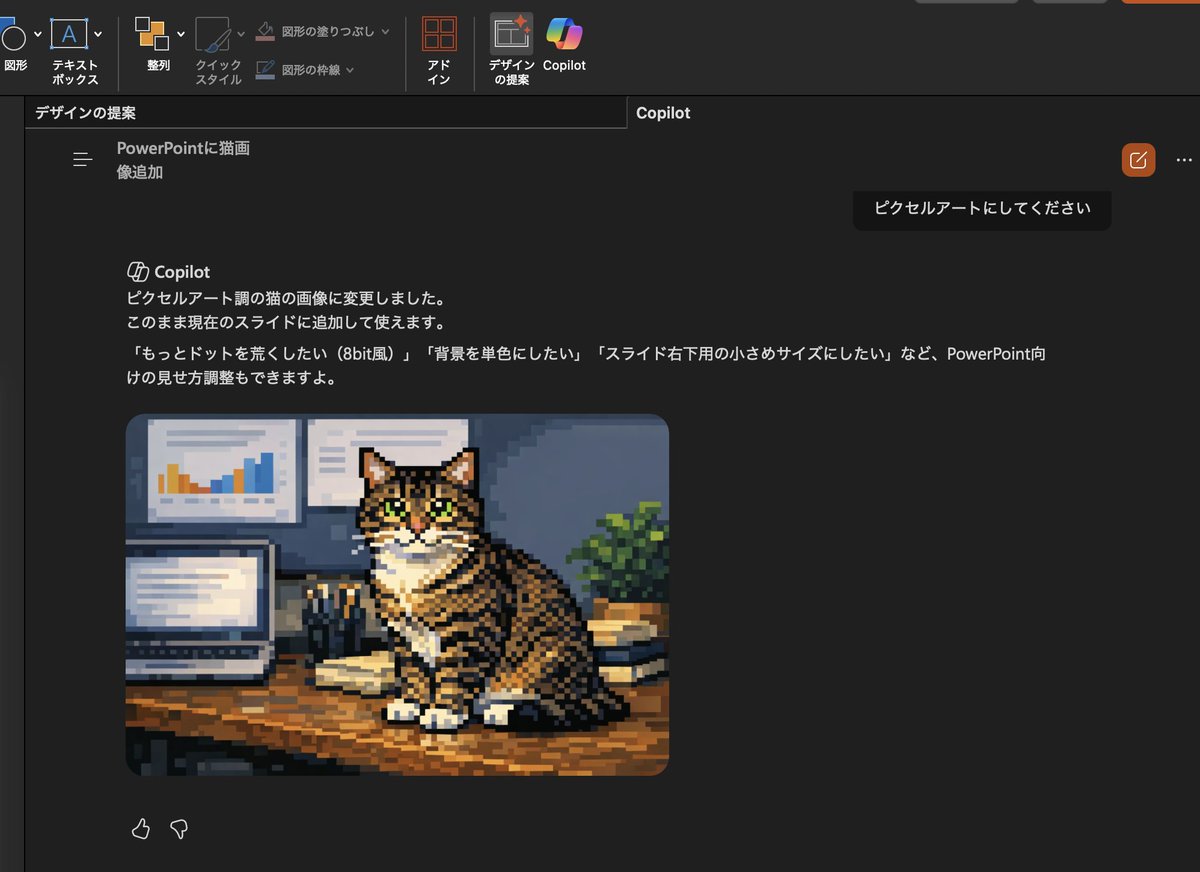
Convert Copilot cat image to pixel art
This prompt turns the generated cat photo inside a PowerPoint Copilot screenshot into pixel art and updates the Japanese UI text to match the new edit request.
도식, 체크리스트, 로드맵, 학습용 긴 이미지에 적합합니다. 정보 구조를 먼저 정하고 이미지 안의 글자는 짧게 유지하세요.
추천 비율
16:9 또는 4:3
품질 전략
먼저 가볍게 생성하고 좋은 안을 고해상도로 다듬기
생성 흐름
참고 이미지나 기존 레이아웃에 맞춰야 할 때는 이미지-이미지를 사용하고, 그 외에는 텍스트 생성으로 방향을 잡으세요.
전체 Qwen Image 프롬프트
English prompt
Using the provided reference image, transform only the inserted cat photo into retro pixel art while keeping the overall PowerPoint dark-mode Copilot screenshot layout, interface, and composition unchanged. Preserve the same tabby cat, pose, desk setting, laptop, wall charts, books, and plant, but redraw that image as chunky low-resolution game-style pixel art with visible square pixels, simplified shading, and an 8-bit feel. Also update the visible Japanese Copilot request and response text so the request says 「ピクセルアートにしてください」 and the response explains that the cat image was changed to pixel-art style, with follow-up suggestions mentioning 3 options: 「もっとドットを荒くしたい(8bit風)」, 「背景を単色にしたい」, and 「スライド右下用の小さめサイズにしたい」.
관련 Qwen Image 프롬프트
VR Headset Exploded View Poster
Generates a high-tech exploded view diagram of a VR headset with detailed component callouts and promotional text.
Illustrated City Food Map
Generates a hand-drawn, watercolor-style tourist map featuring numbered local food specialties, landmarks, and a legend.
3D Stone Staircase Evolution Infographic
Transforms a flat evolutionary timeline into a realistic 3D stone staircase infographic with detailed organism renders and structured side panels.
Momotaro Explainer Slide in Hybrid Style
A prompt that combines the simple, warm aesthetic of simple illustration style illustrations with the high-information density characteristic of Japanese government slides.
Faceless Cyberpunk Infiltrator
Generates a cinematic anime scene of an armed faceless woman infiltrating a high-security futuristic server room.
Pancake Angel Cafe Cover
Generates a dreamy watercolor anime cover of a winged cafe angel serving honey pancakes in a sunlit morning cafe.