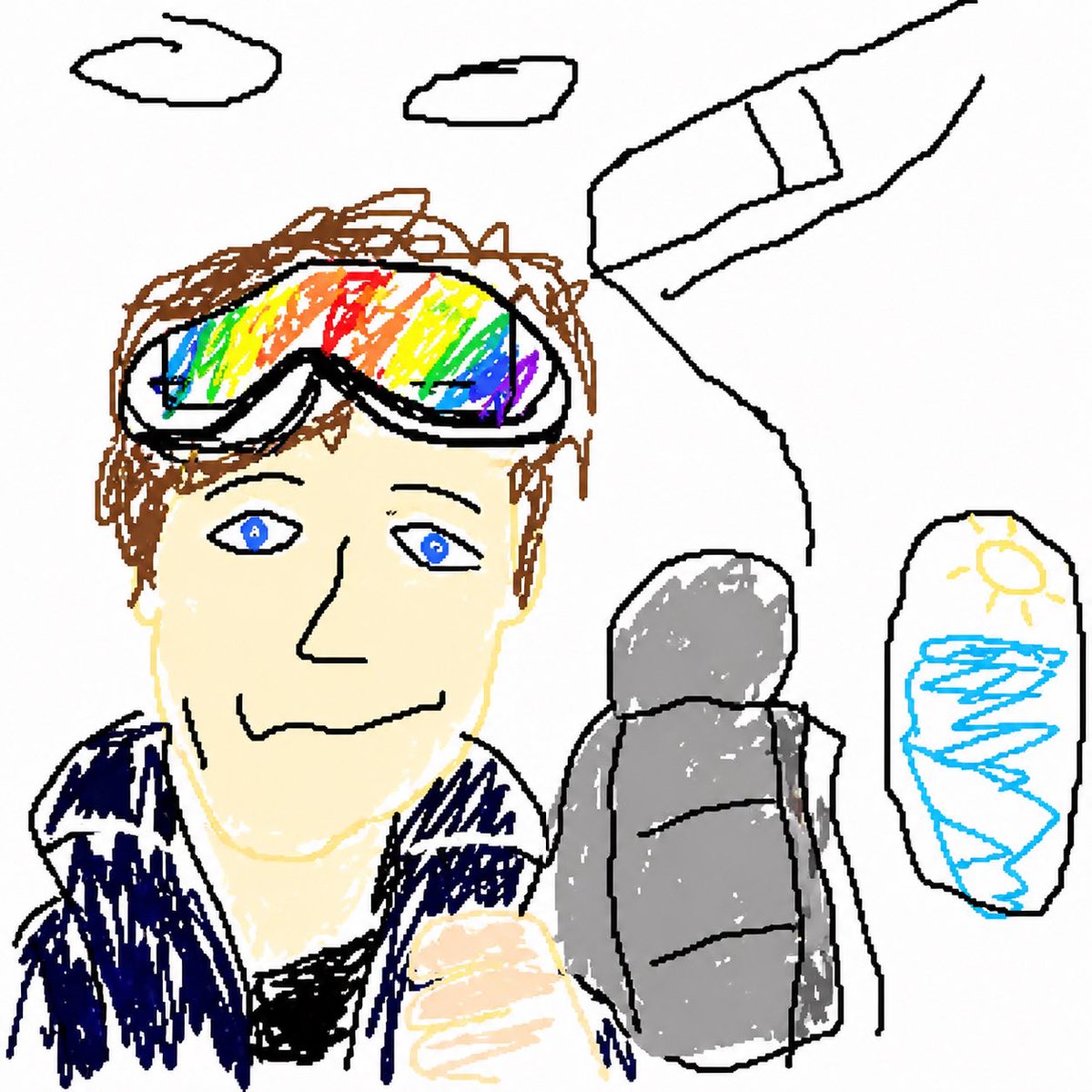
GPT Image 2 MS Paint Drawing Prompt
Turn any uploaded image into a deliberately terrible MS Paint-style drawing with clumsy lines, awkward proportions, and a funny low-quality mouse-drawn look.
商品写真、パッケージ、ブランド広告の初稿作りに向いています。主体、素材、背景、商業レタッチの方向があるので、変数を差し替えるだけで試せます。
推奨比率
1:1 または 4:5
品質の進め方
まず軽く生成し、良い案を高精細で詰める
生成フロー
まずテキストで主画面を作り、一度に一つの重要な要素だけ修正します。
Qwen Image 完全プロンプト
English prompt
Redraw the attached image in the most {argument name="style" default="clumsy, scribbly, and utterly pathetic"} way possible. Use a white background, and make it look like it was drawn in MS Paint with a mouse. It should be vaguely similar but also not really, kind of matching but also off in a confusing, awkward way, with that low-quality pixel-by-pixel feel that really emphasizes how ridiculously bad it is. Actually, you know what, whatever, just draw it however you want.関連するQwen Imageプロンプト
VR Headset Exploded View Poster
Generates a high-tech exploded view diagram of a VR headset with detailed component callouts and promotional text.
E-commerce Live Stream UI Mockup
Generates a realistic social media live stream interface overlaying a portrait, featuring customizable chat messages, gift popups, and a product purchase card.
Pancake Angel Cafe Cover
Generates a dreamy watercolor anime cover of a winged cafe angel serving honey pancakes in a sunlit morning cafe.
Summer Grape Girl 3x3 Grid Portrait
A comprehensive prompt for creating a 3x3 photo grid of a summer-themed 'Grape Girl' with specific instructions for consistency and style.
Mystical Japanese AI Face Reading Report
Generates an ornate Japanese fortune-telling appraisal sheet with a celestial portrait, moonlit gold layout, and multiple readable report sections.
Miniature City Tiny Worlds
A macro photography prompt creating a realistic miniature city built within human hair, featuring high detail and natural skin textures.